Why I Made Jack (of All Trades)
TLDR: I kept opening random web tools for tiny tasks, so I created a CLI for them.
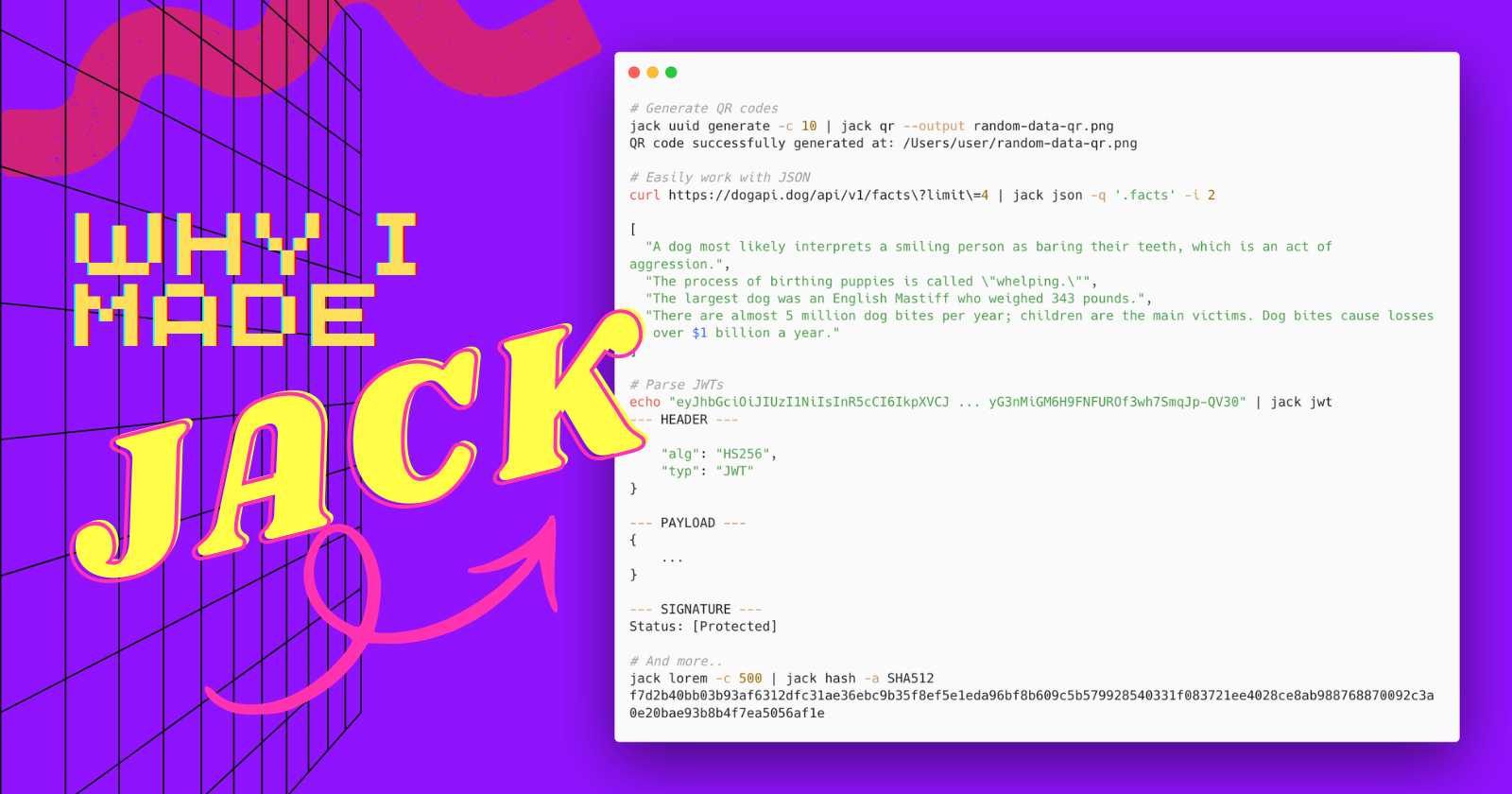
We all do it. Maybe you just started using curl instead of those GUI HTTP clients like Postman or Insomnia, and you had to copy the response body and paste it into a browser-based JSON formatter to make sense of it. Perhaps you wanted to inspect a JWT, so you go to jwt.io, and although the site says it doesn’t transmit tokens, pasting credentials into any webpage is a habit worth avoiding. Or you needed some IDs for those tests, so you googled “UUID generator“. Maybe you also wanted to generate a QR code - same story. Not to mention the ads you usually see on the websites.
Of course, there are various solutions for this - right in your terminal:
jqfor JSON formatting and processingqrencodefor generating QR codesuuidgen(Unix) andNew-Guid(Windows) for all your UUID needs
And you can always just google what you need and use some web app instead. I did that too, who am I to judge? But this is all too fractured and inconsistent.
I personally use some of these tools myself. And I’ve noticed a common trend among my colleagues: many default to web-based tools, even though terminal apps are often faster and easier once you get the hang of them. I sometimes recommend some specific CLI tool, but it rarely sticks. And with CLI tools there’s also the issue of compatibility across platforms, you can use one tool on your Linux system, but when you switch to Windows you need to suppress that muscle memory and write another command in PowerShell instead. It’s just too frustrating and fragmented.
The All-in-One Solution
Wouldn’t it just be easier to have a single tool, that you could install once on your system, would work across different platforms? No need to remember and install different tools, or search for alternatives for your Windows machine. Imagine it all centralized: jack json, jack qr, jack uuid generate, jack jwt - all just working, in a single package, across platforms.
That’s why I decided to make a sort of Swiss Army Knife tool for developers that’s portable and accessible. Initially, I actually named it factotum - a word for a general handyman. Then, my friend Nikola Dinevski came over and suggested jack - as in, jack of all trades. I thought that it was perfect! It’s exactly what it is, a multi-tool for all trades - but a master of none. What’s often omitted from that saying though, is that it’s oftentimes better than a master of one! Besides, jack is a pretty memorable name and easy to type in your terminal.
Jack removes the friction from remembering all those different tools, you just type in jack and find the tool you need, on all your systems! No need to install multiple tools, or lookup something online. It’s easy and intuitive to use, with no fancy and complicated options that you may find in more specific tools which, let’s be honest, you’ll only ever need a fraction of the time. It’s composable, simple, and helps with most of your day-to-day tools needs.
The intention is not to replace all the other tools I mentioned, of course they’ll have their use-cases. I don’t expect jack to have feature parity with dedicated tools. No, the aim is to have jack as the easy default tool you go to when you need something so you don’t have to juggle multiple tools.
Under the Hood
Jack is made with Kotlin. Why? Because I want to be unique! No, but really - I wanted to try out the language for something else than backend services. It’s cross-platform, and is overall very nice to work with. Additionally, I had recently read about clikt, a CLI library for Kotlin, and I wanted to take it for a spin.
I’d love for you to contribute! If you have a feature in mind you can always submit a PR or open an issue if you want me to put it on the to-do list. You can find the repository at https://github.com/dimeskigj/jack-cli.
Jack has a lot more features, and you can try them out for yourself!
On Linux/MacOS, you can install jack with:
curl -fsSL https://raw.githubusercontent.com/dimeskigj/jack-cli/main/scripts/install.sh | bashIf you’re on Windows, use PowerShell instead:
iwr https://raw.githubusercontent.com/dimeskigj/jack-cli/main/scripts/install.ps1 -useb | iexLet me know what you think! I would be glad if you find jack useful.